Hire an App Developer

Real apps, shipped and still running — see the work first

Every project below was built by the same app developer for hire you would actually work with. Native and cross-platform mobile apps, Laravel dashboards and the backends underneath them, shipped to real users and still running today. If you are trying to decide whether to hire an app developer or an agency, start here.

Mobile apps built by an app developer for hire, published on the Apple App Store and Google Play

Why Hire This App Developer

What you get when you hire an app developer who ships

Every project here started as a problem worth solving rather than a brief worth billing. Some were built from a blank page, some were rescued from a half-finished codebase somebody else abandoned, and a few were rebuilds of products that had outgrown the thing they started as. What they share is that each one had to survive contact with real users, real devices and a real store review — a different standard than a portfolio piece that only ever has to look good in a screenshot, and the reason people hire this app developer for hire instead of starting over with someone new.

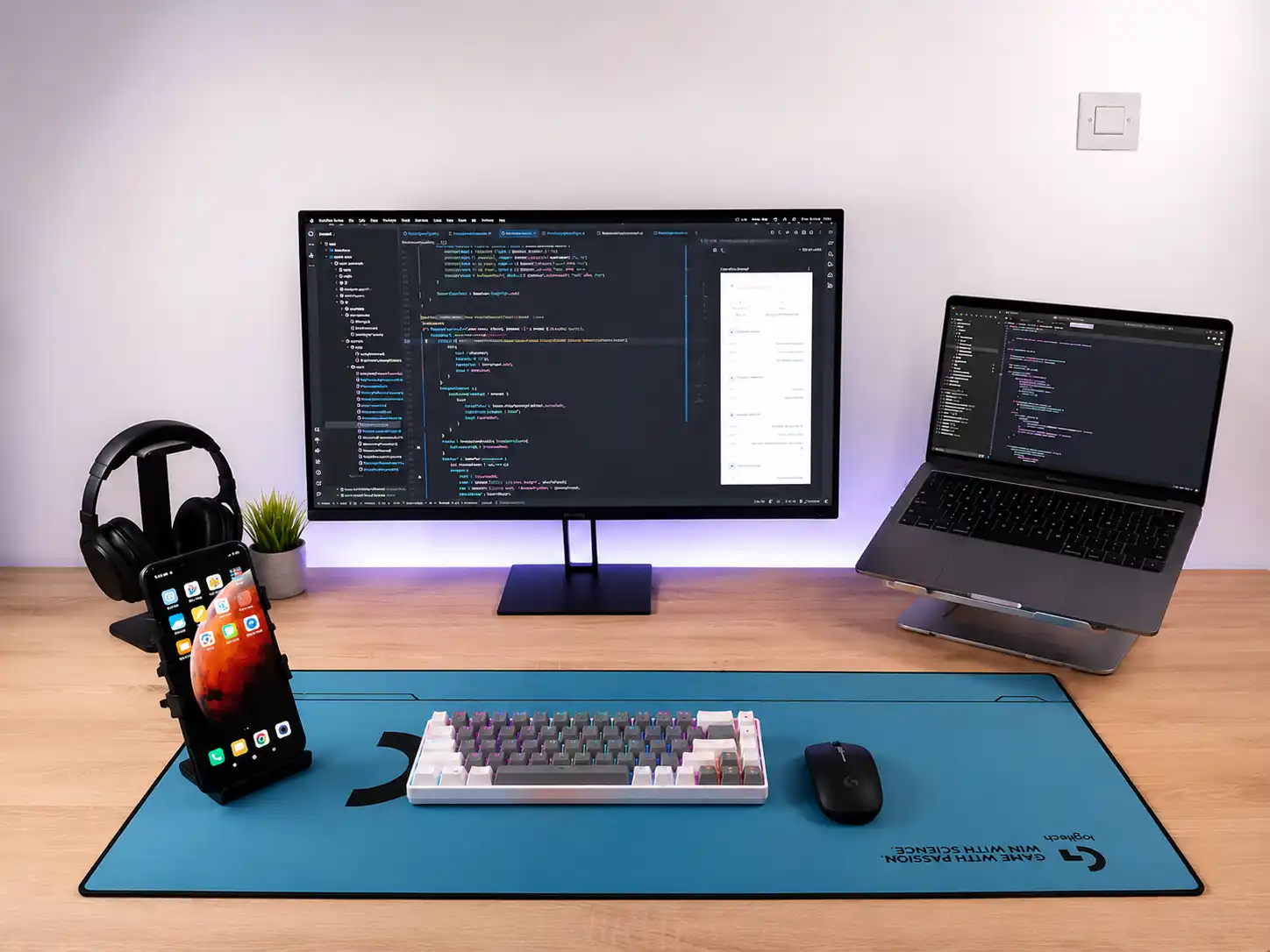
Workstation where projects are written, reviewed and tested

That means automated tests on the business logic that would actually cost you money if it broke, validated input on both sides of every request, encrypted storage for anything personal, and dependencies kept current instead of frozen at whatever version shipped on launch day. Performance is measured on real mid-range devices rather than assumed from a fast laptop.

And it means the boring parts are done: setup steps and architecture notes written down, environments separated, backups configured, and the whole thing handed over in your name with nothing left on my machine. That is what hiring an app developer for hire should feel like — nothing to untangle after the handover.

The Work

Projects this app developer for hire has shipped and still runs

Mobile apps, web platforms and the dashboards behind them. Every card opens the live project, and the images step through the screens that mattered most to the people using them — the same standard of work you get when you hire this app developer for your own project.

DOUGHRISE Mobile App Mobile App
2023

DOUGHRISE Mobile App

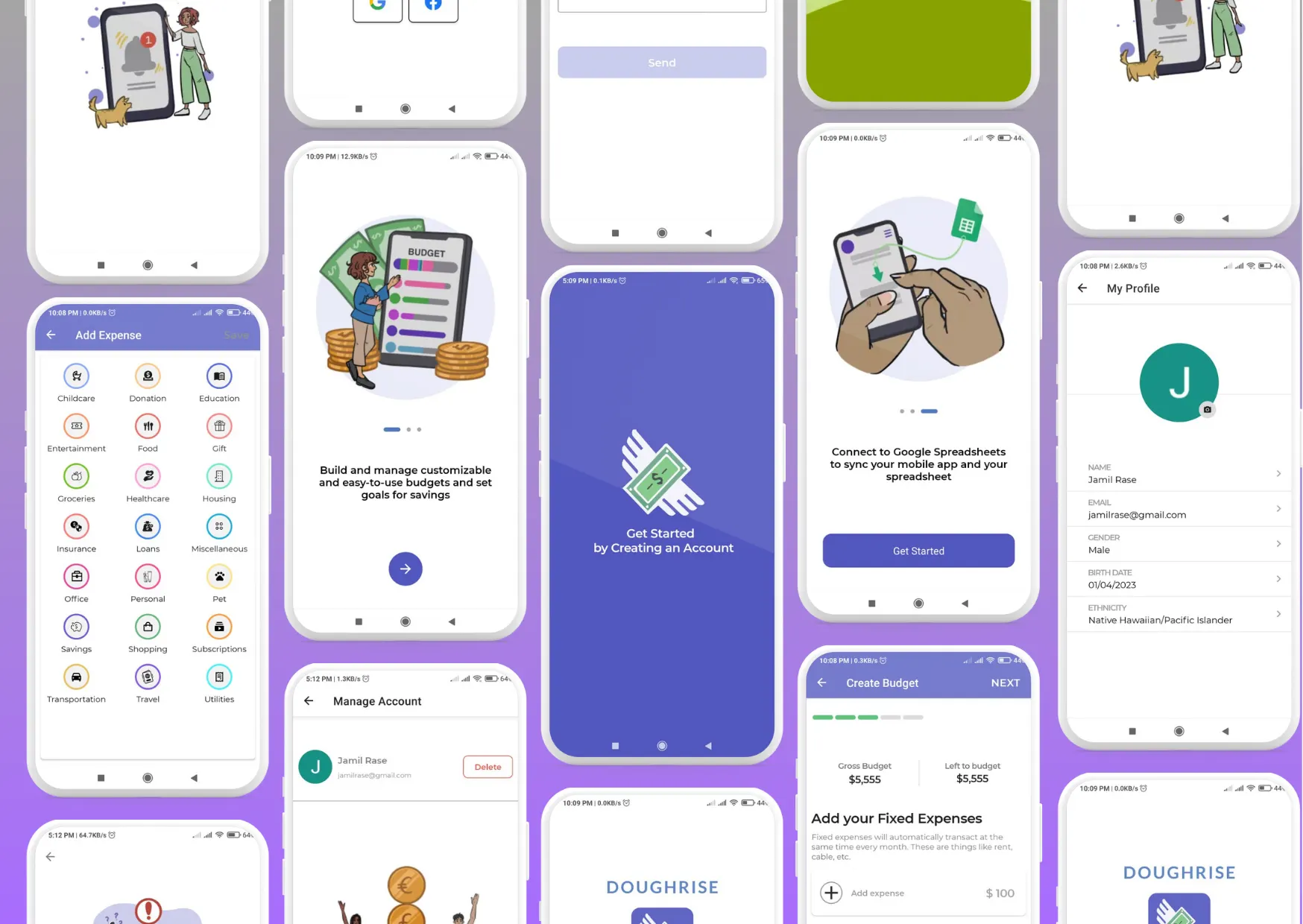
In this project, I am working remotely for a USA-based company. The project entails developing an Android application using the Android Studio environment and the Kotlin programming language, alongside XML for layout design. The primary objective of the project is to assist users in managing their budgets and transactions, thereby aiding them in saving money. The project encompasses the following features: Login and sign-up functionality using email, Google, and Facebook credentials. Profile creation for users. CRUD (Create, Read, Update, Delete) operations for managing budgets. And more.

Mobile App App Android

How I Work

A simple, focused process for every project

The same three stages run behind every project on this page. They exist so you always know where the work stands, and so the expensive decisions get made while they are still cheap to change — the same process you would get if you hire this app developer today.

  1. Discover

    Step 01

    I listen, ask questions and work out what problem we are actually solving before anyone talks about technology. You leave with a written scope and a fixed price rather than an estimate that moves later.

  2. Design

    Step 02

    I sketch the smallest thing that works, turn it into a prototype you can tap through on your own phone, then refine until it feels right. Changing a screen here costs an hour instead of a day.

  3. Deliver

    Step 03

    I ship clean, tested code with a working build at the end of every sprint, handle the store submission, and stay reachable afterwards for the fixes and small improvements that always follow a launch.

On The Phone

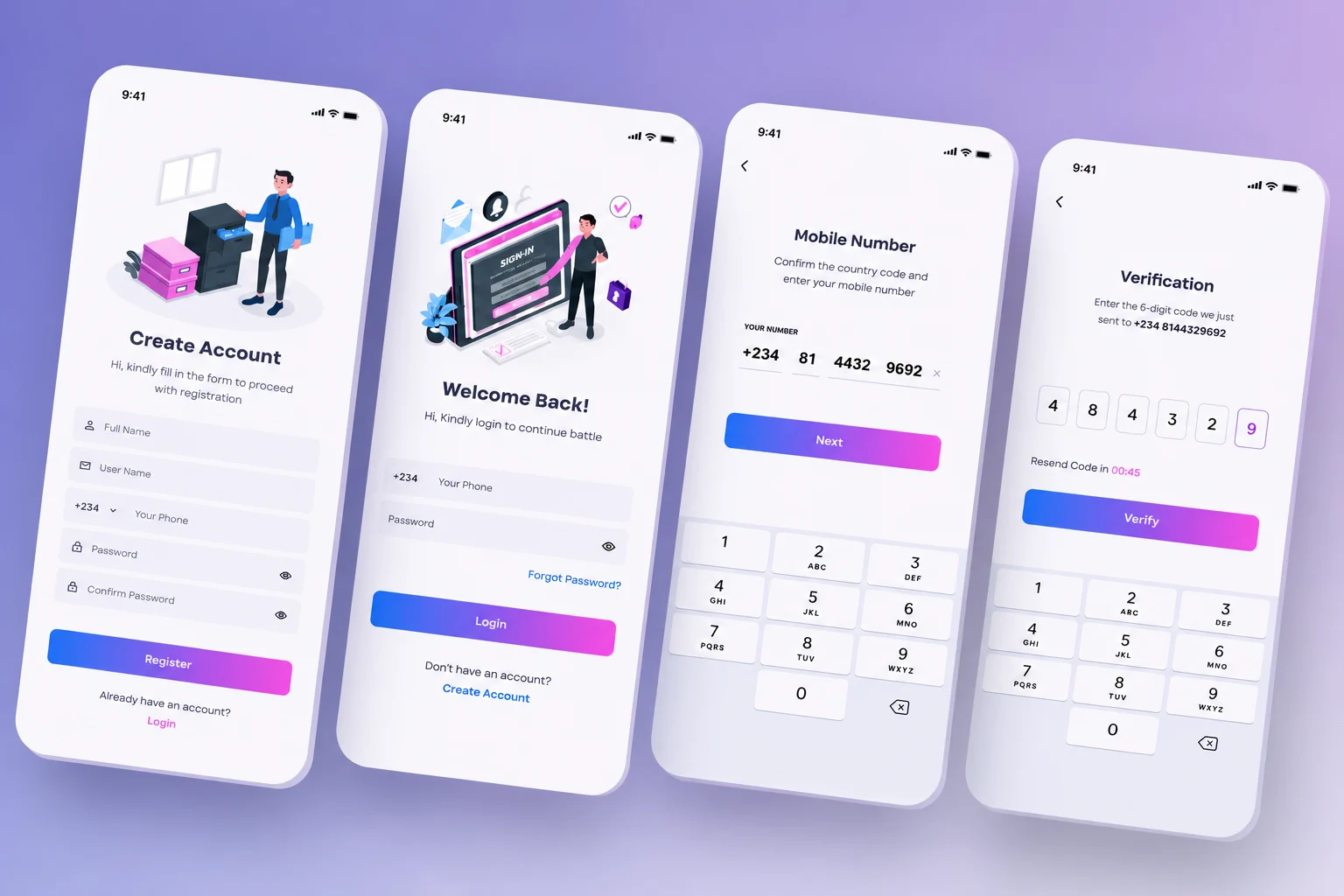
Screenshots while building a mobile app

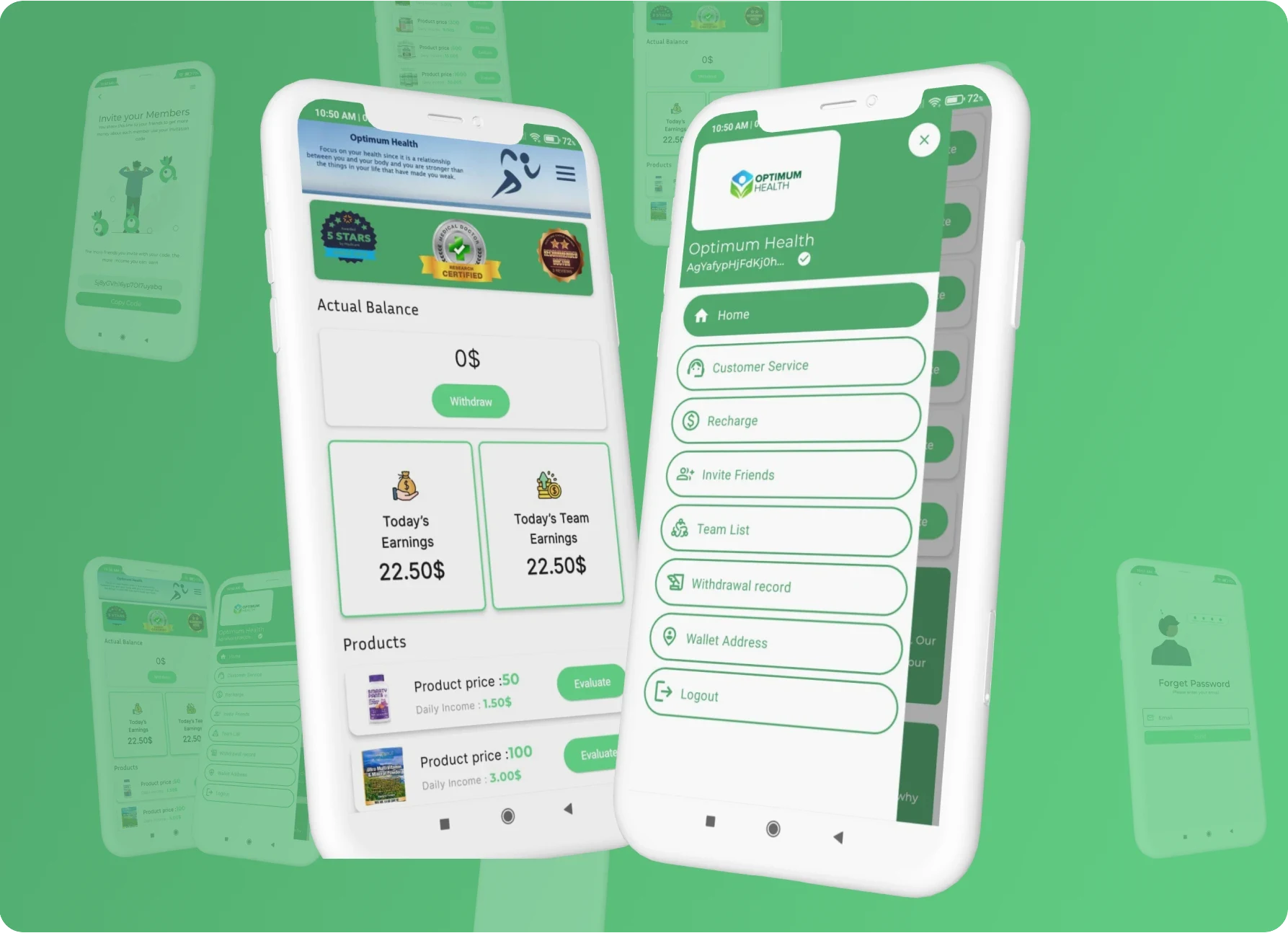
Screens as they looked during the build rather than after a designer polished them for a case study. Half of mobile work is the states nobody screenshots — empty lists, failed payments, a sync that has to finish before the user notices — and this is what that looks like on a real device mid-project.

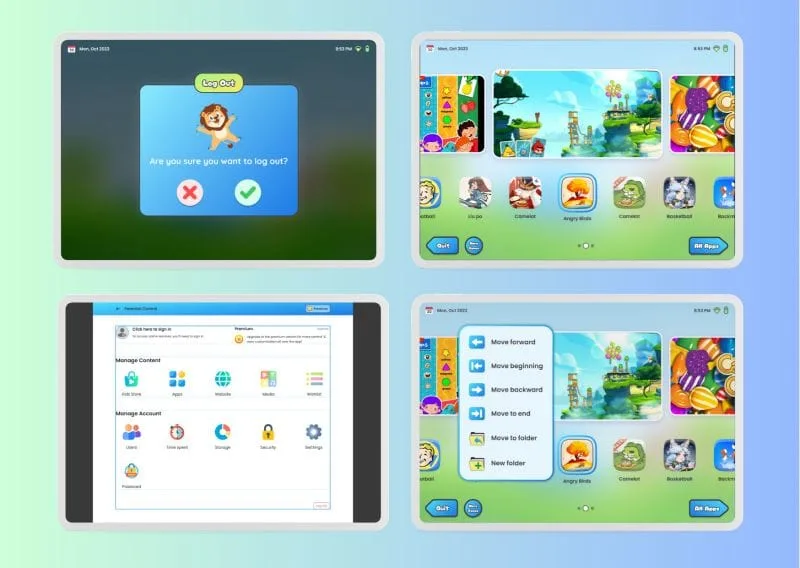
  • Booking flow being built for an Android app
  • Meal tracking screens running on a test device
  • Budgeting app widgets under development
  • Checkout screen being tested on a phone
  • Push notification flow in a Flutter build

On The Desktop

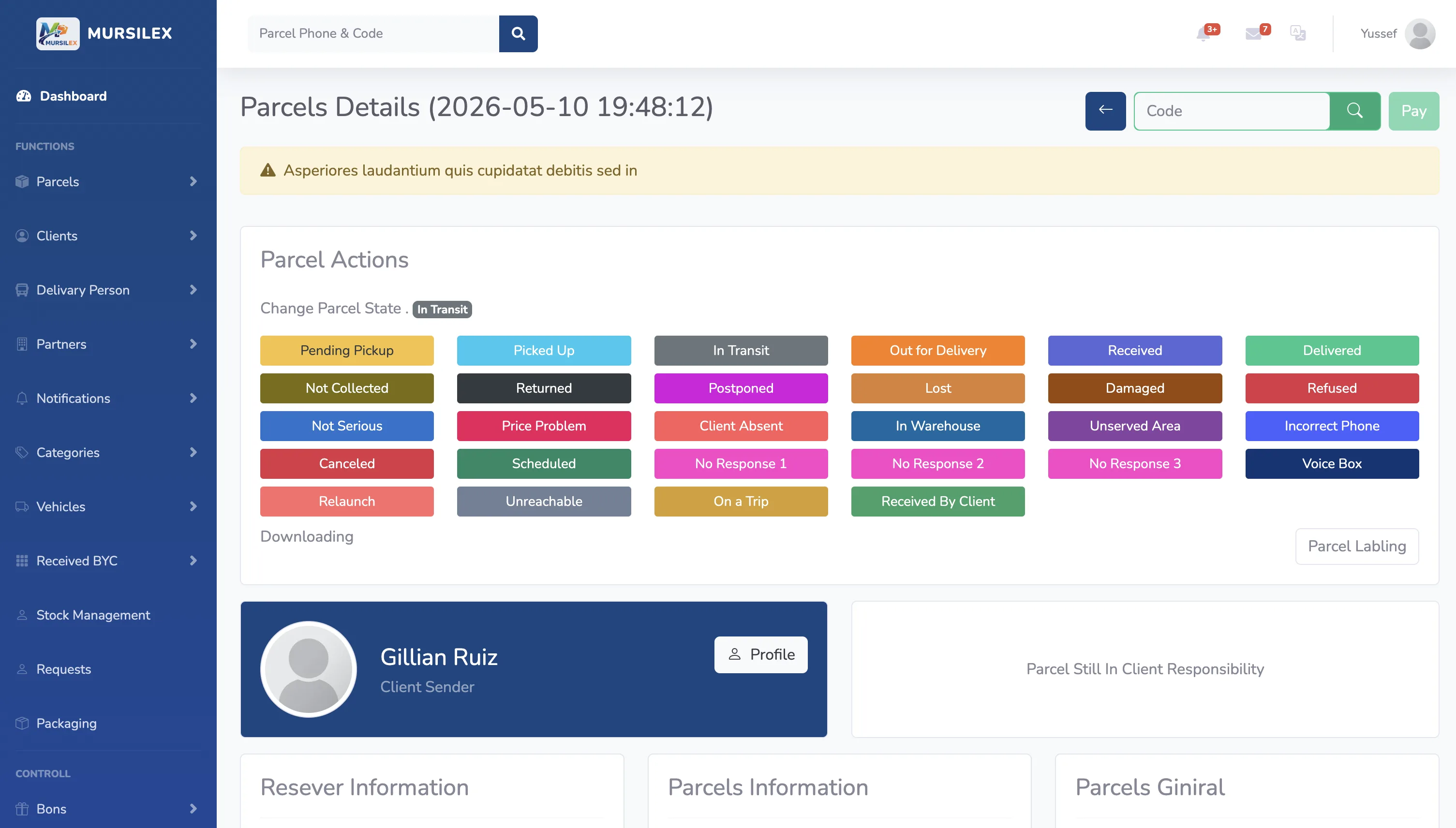
Screenshots while building a web app

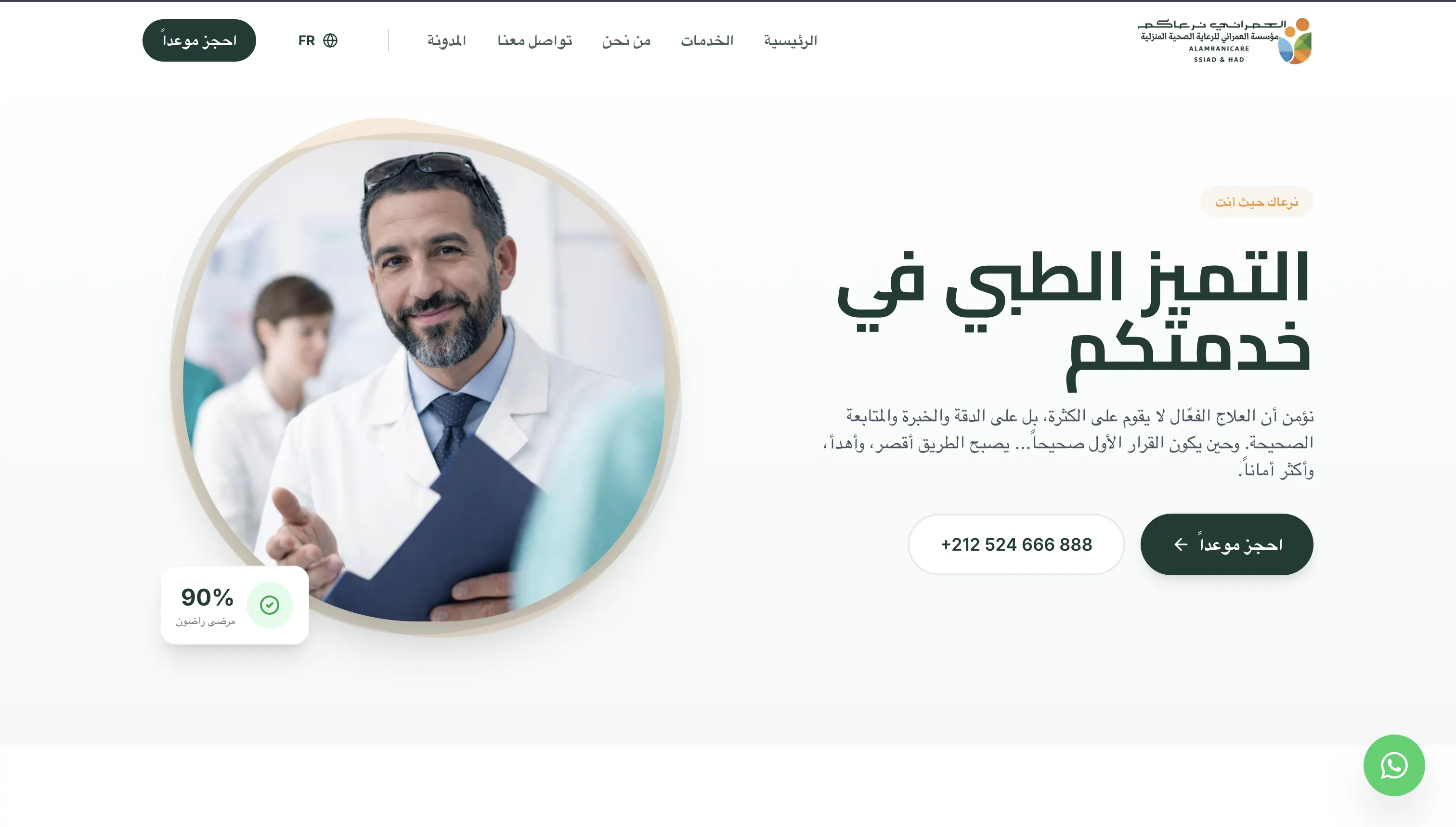
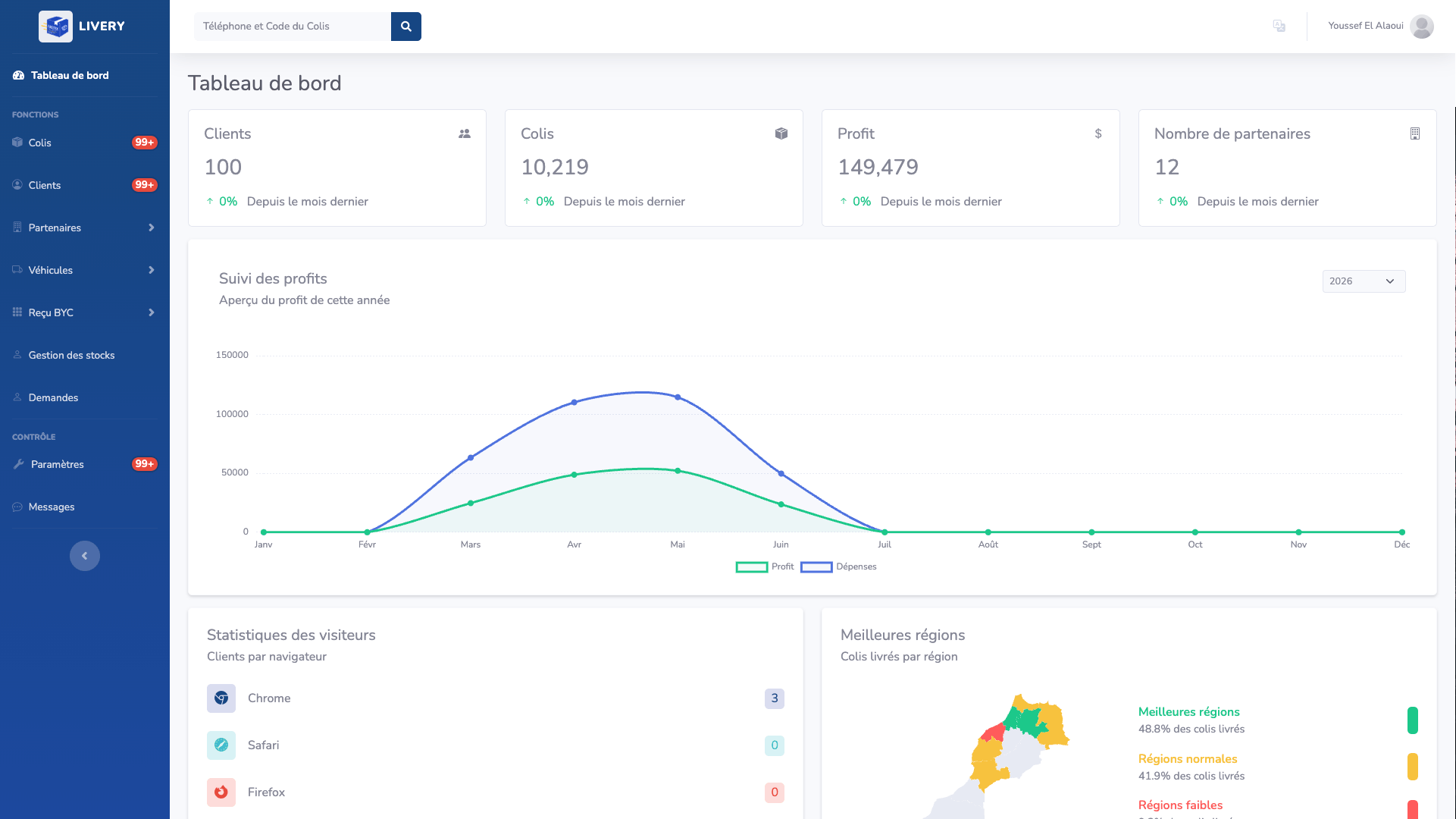
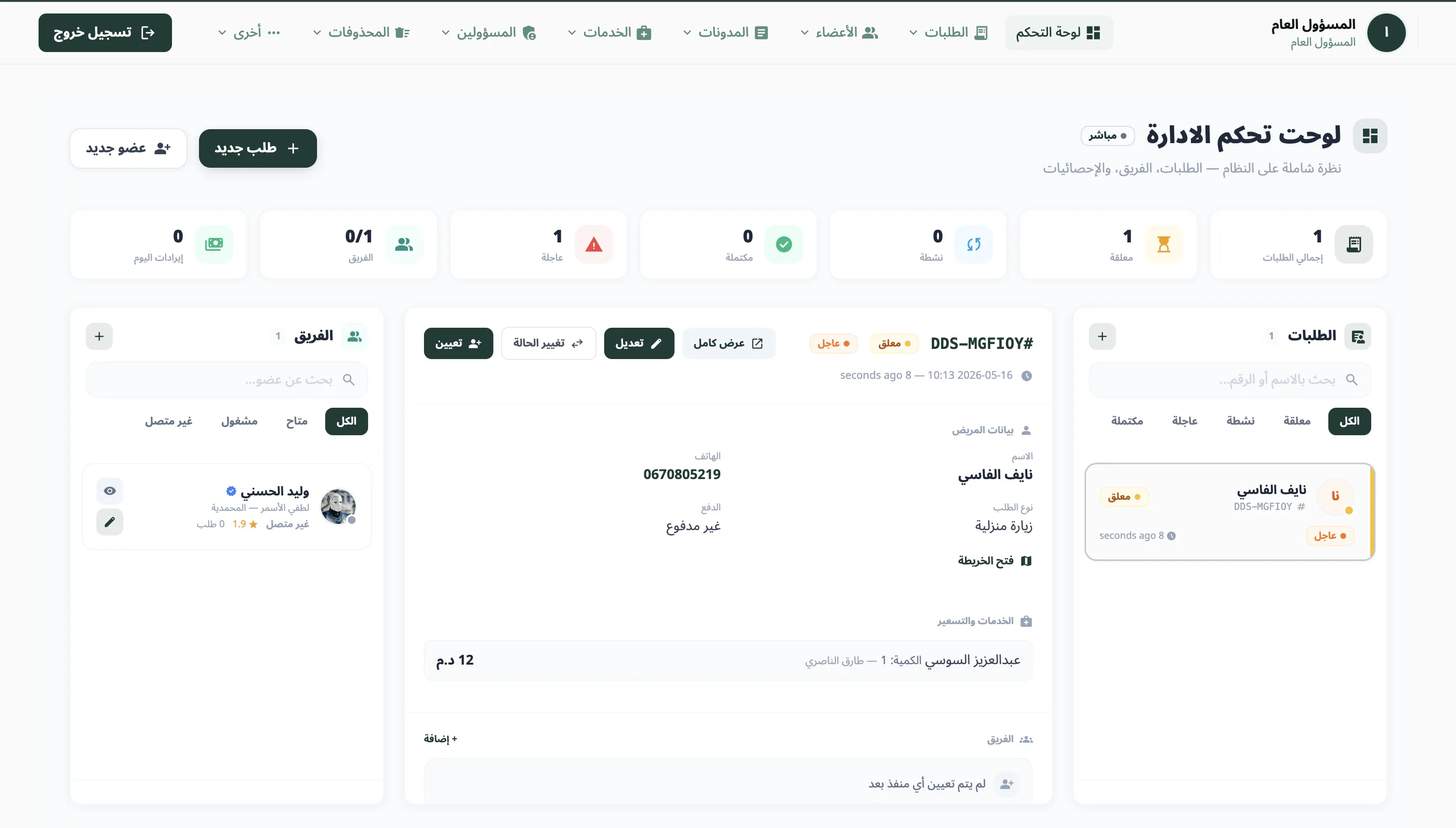
Dashboards and admin panels people use all day, so the details that matter are the unglamorous ones: tables that stay readable with three hundred rows, filters that survive a page refresh, and forms that tell you what went wrong instead of clearing themselves.

  • Logistics dashboard built for a delivery team
  • Clinic admin panel for scheduling and patient records
  • Laravel and Vue application in development
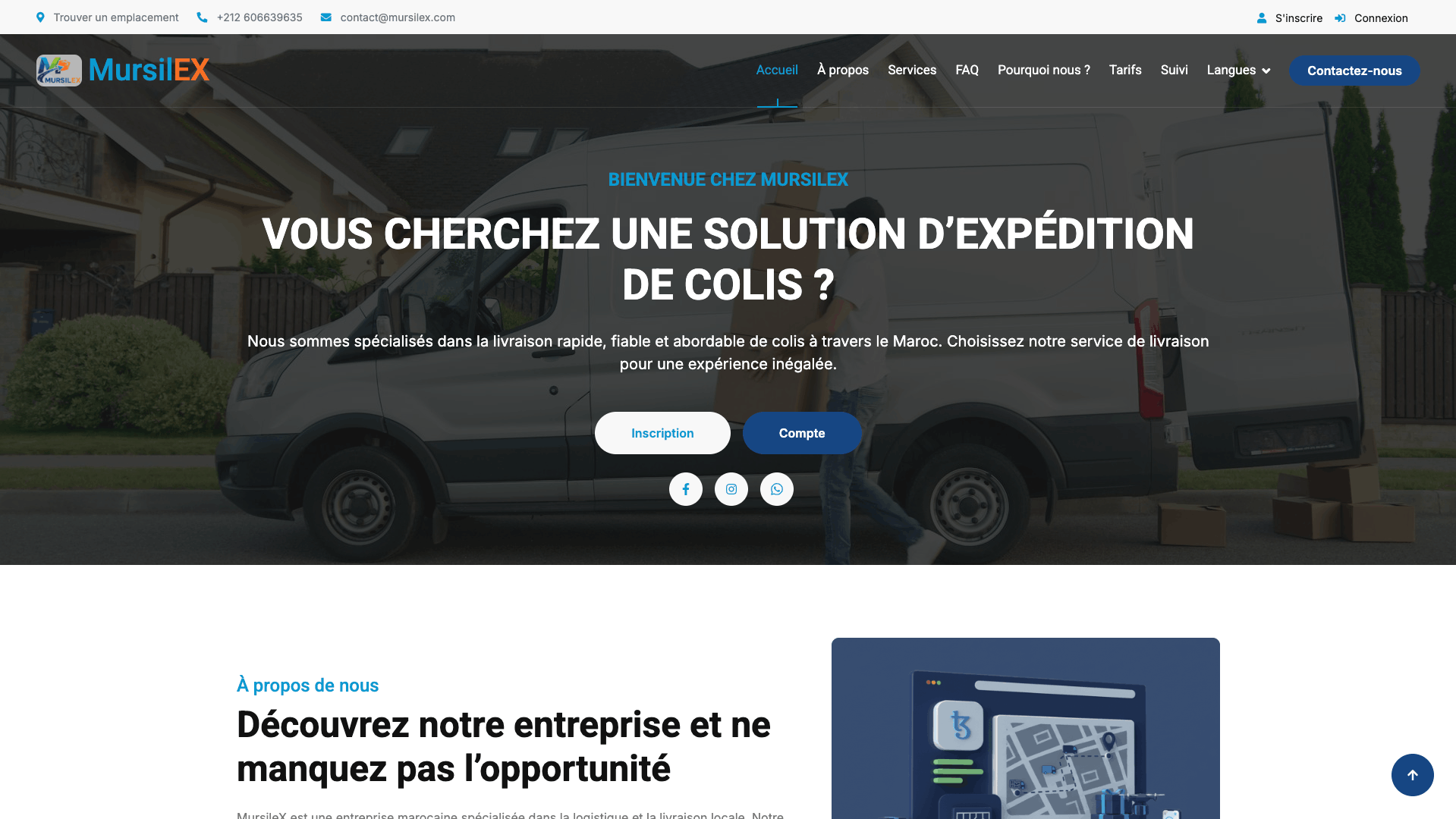
  • Content management panel built for a marketing site

Live On The Store

Apps on Google Play, built by this app developer for hire

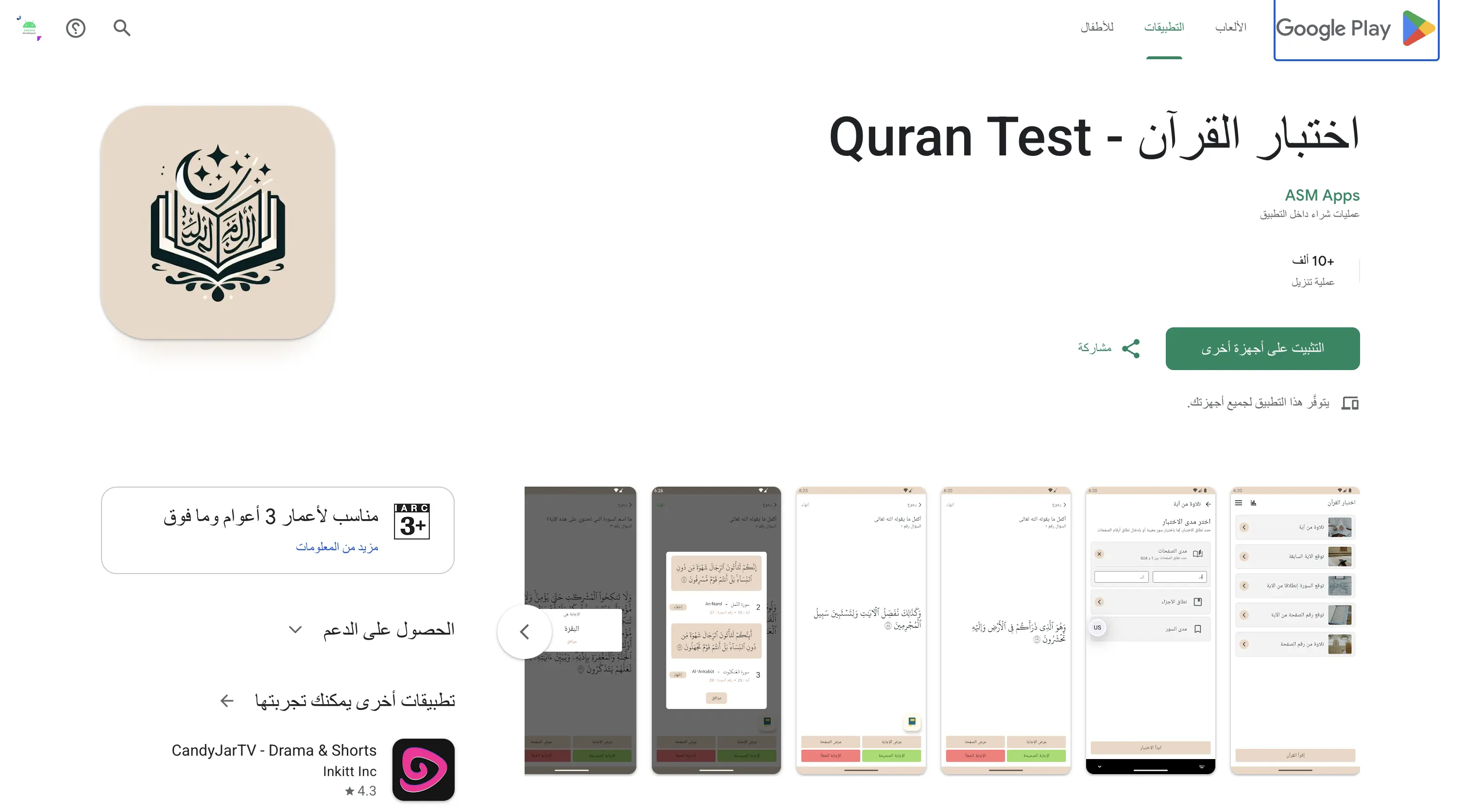
Passing review is its own piece of work: privacy declarations, data safety forms, screenshots that match the build, and the notes that come back asking for one more change. These went through all of it and are still listed.

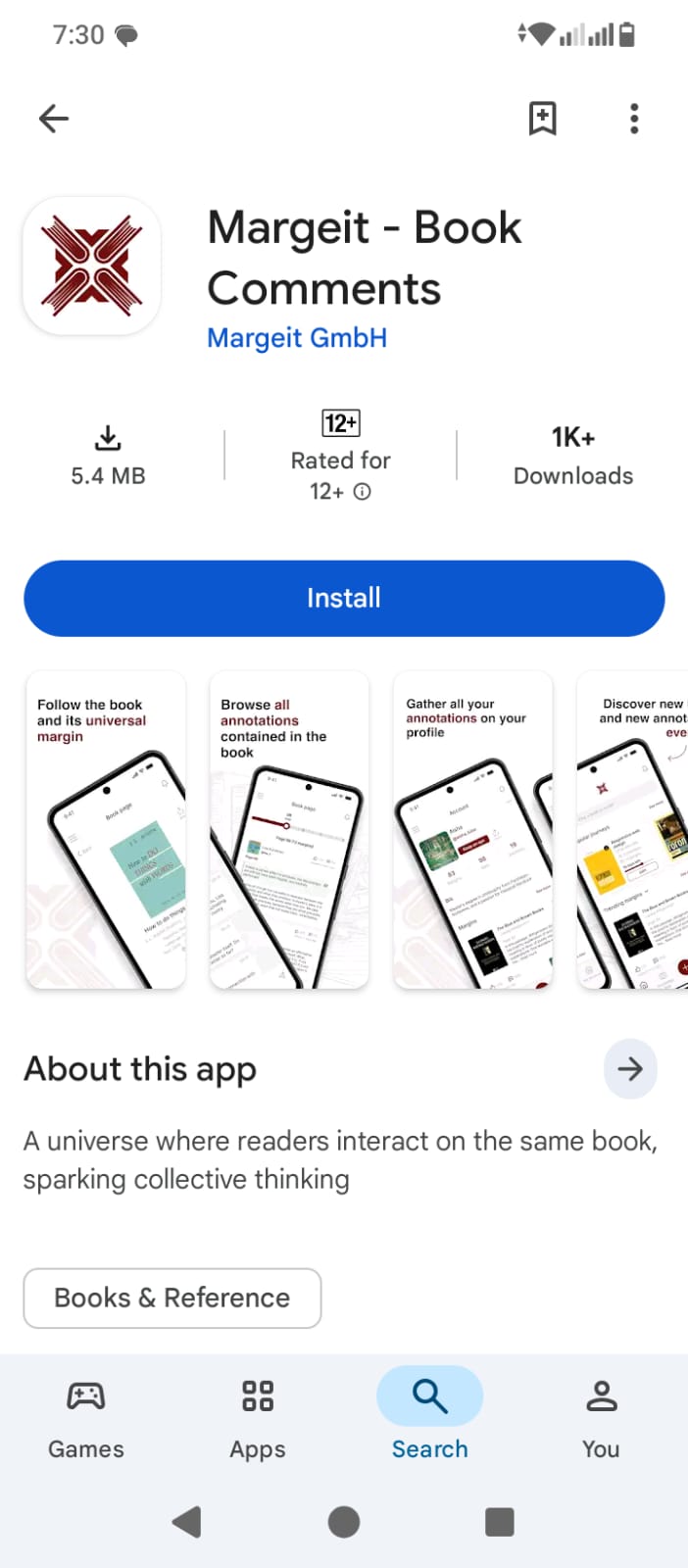
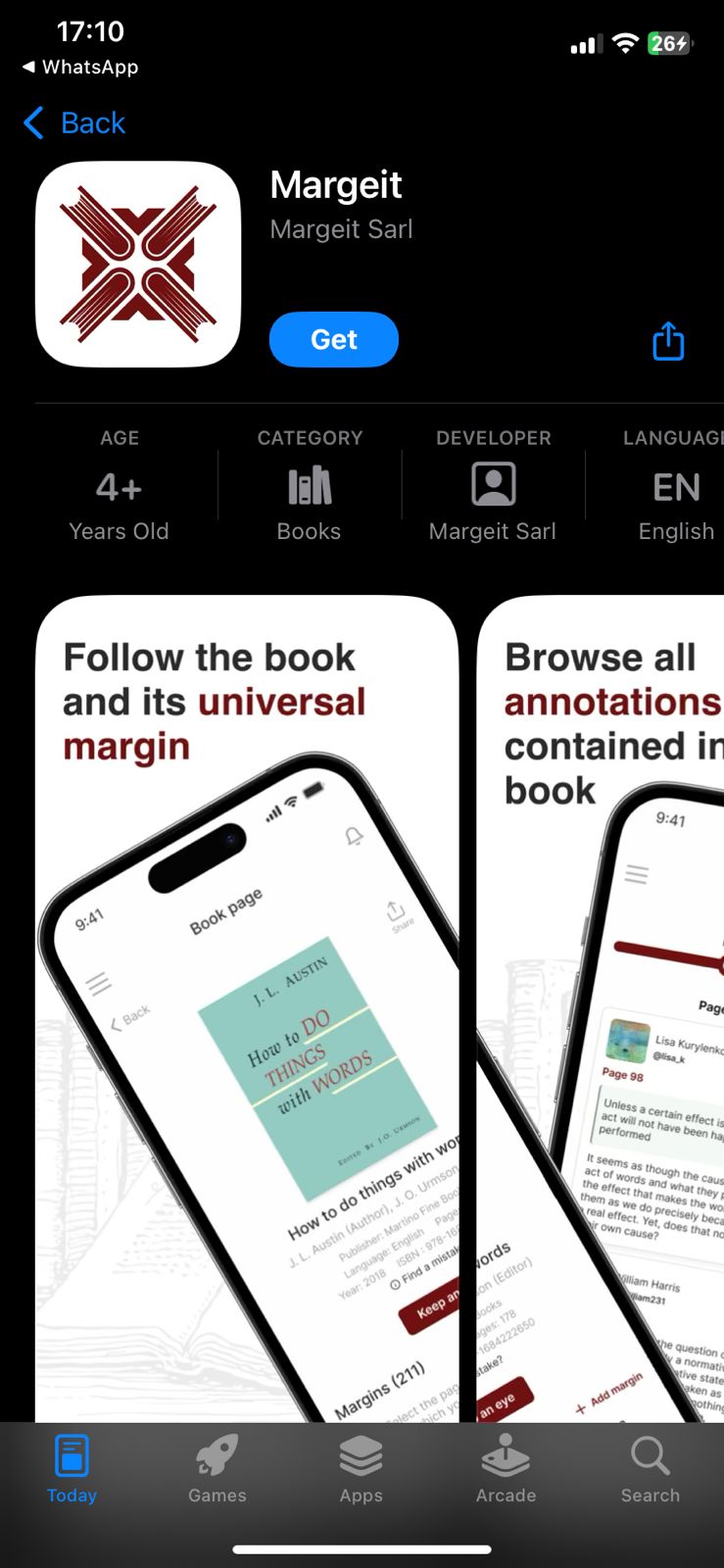
  • Margiet listing on Google Play
    Margiet Network · Books . social media 5 1K+ installs
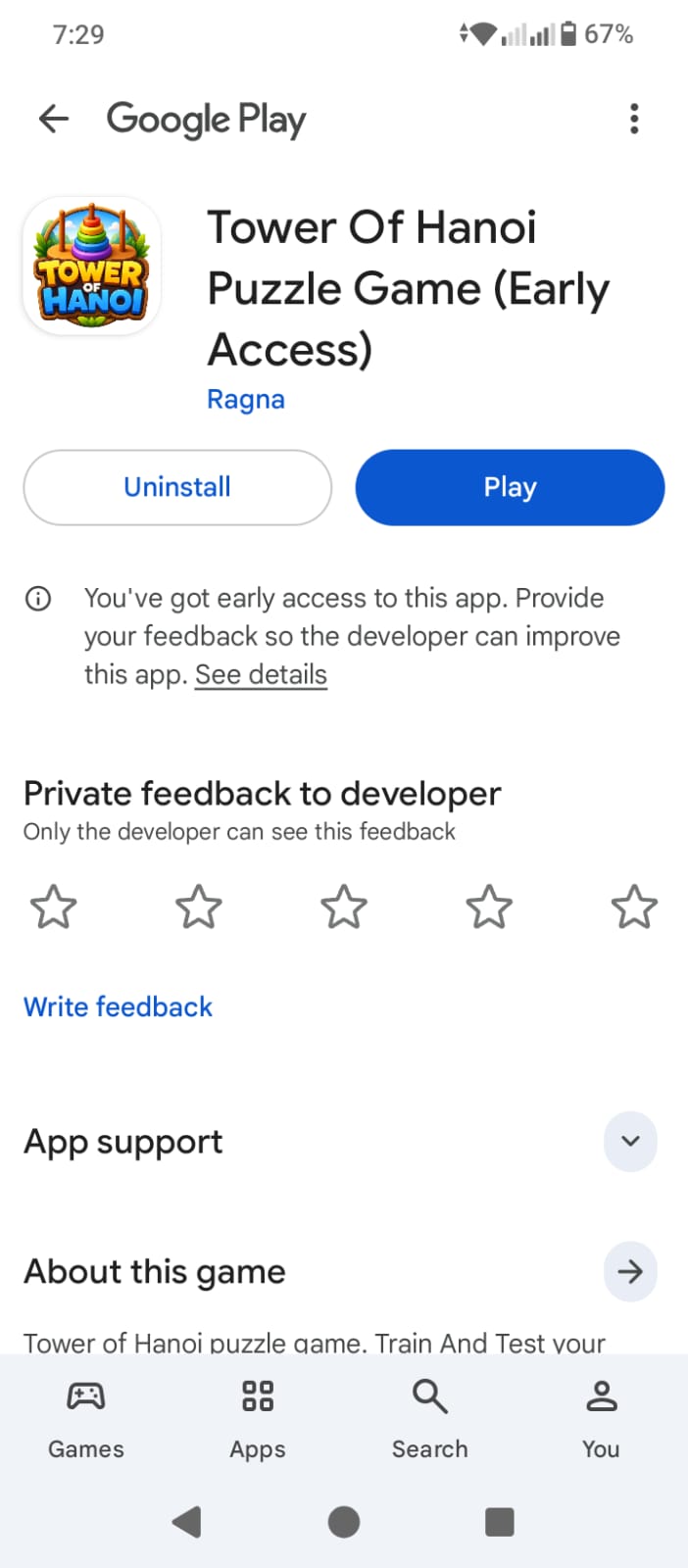
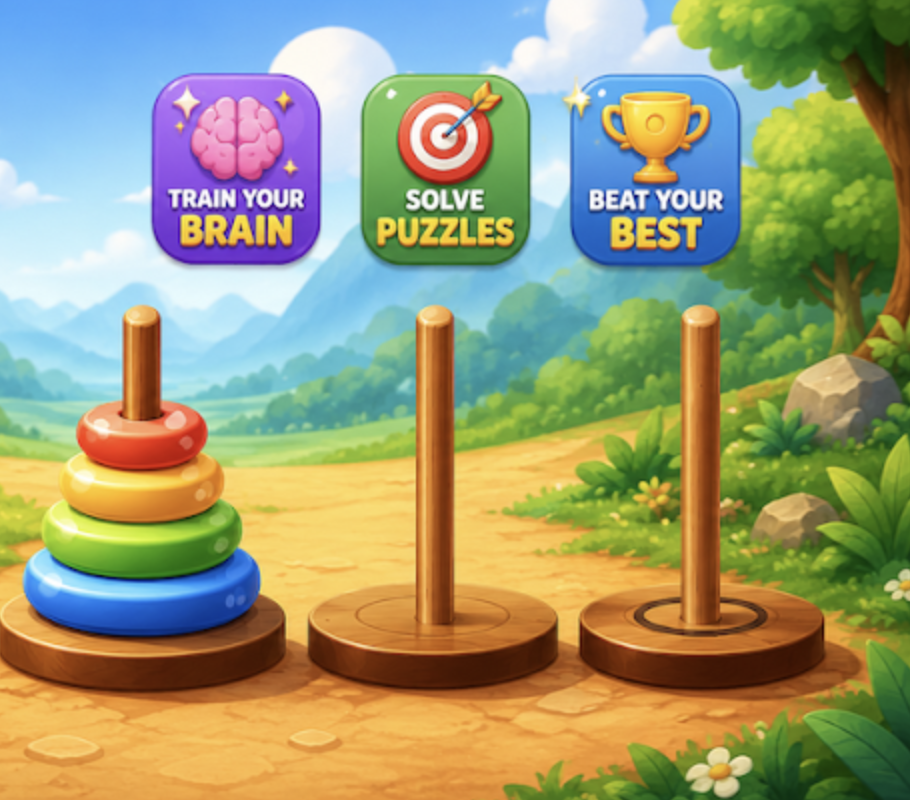
  • Tower of Hanoi listing on Google Play
    Tower of Hanoi Game & Pazzel 5
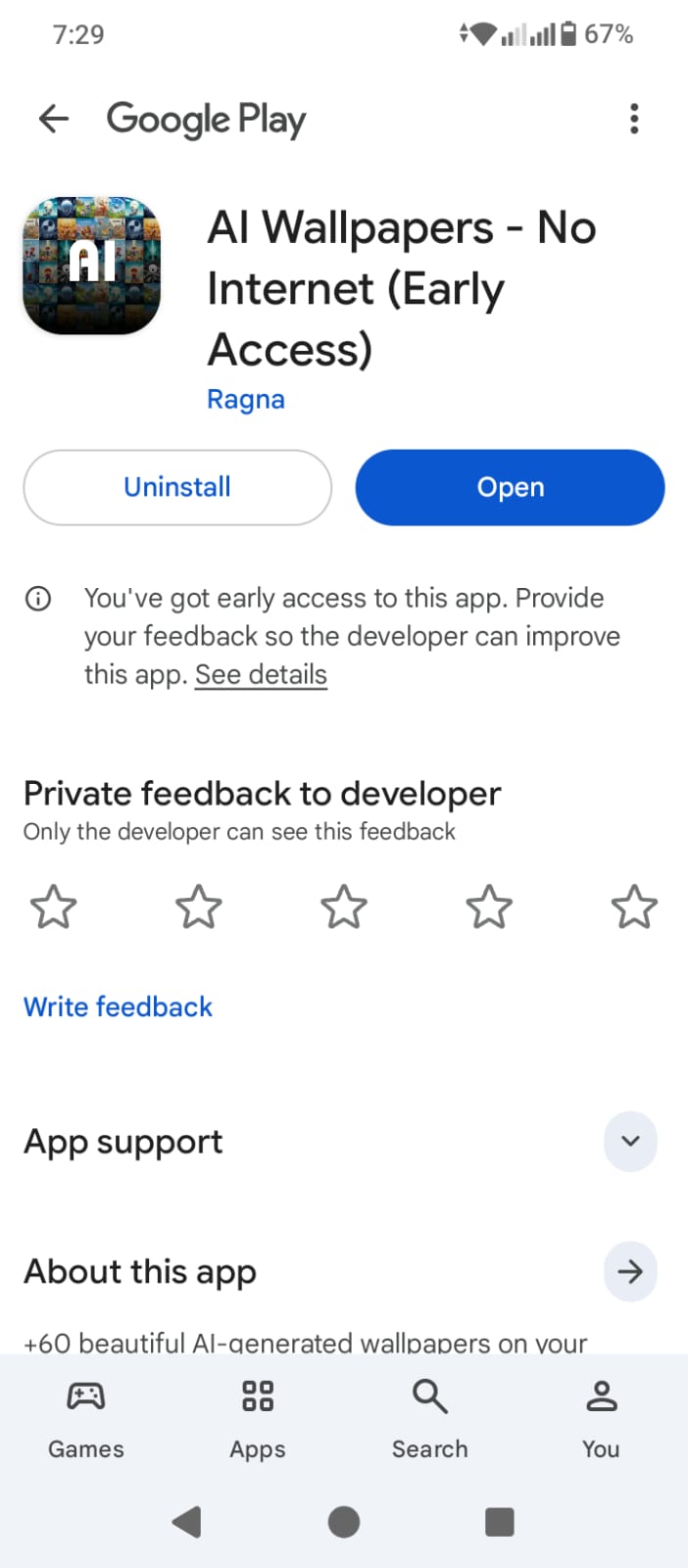
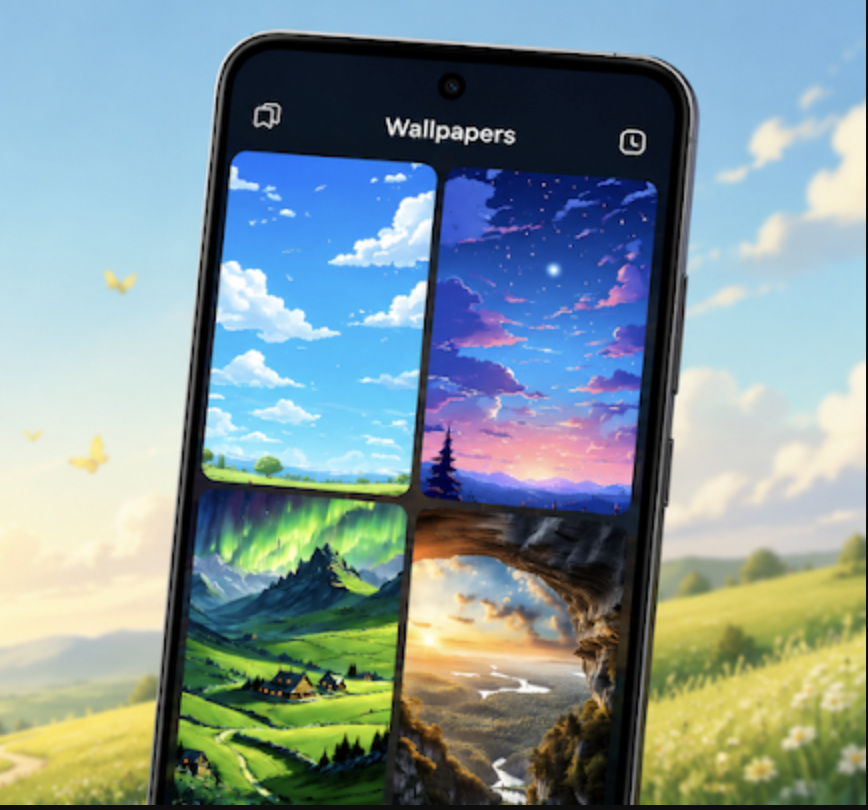
  • Ai Wallpapers listing on Google Play
    Ai Wallpapers Ai · Desgin 4.7 10+ installs

Open Source

A few open source projects worth checking

Every one of these came out of a paid project where I needed something that did not exist yet, so they are small, documented and tested rather than ambitious. They are also the fastest way to read real code before you hire an app developer for a paid project.

  • 3

    👋 Native Android Scanner App

    Kotlin

    This app is designed to offer a versatile QR code utility for Android users. It utilizes the zxing library to seamlessly scan QR codes using the device's camera. Additionally, it allows users to select QR code images from their gallery for processing. Developed using native Android Studio and written in the Kotlin programming language, this app provides a comprehensive solution for QR code management.

  • 1

    👋 Time Managment Android App

    Kotlin

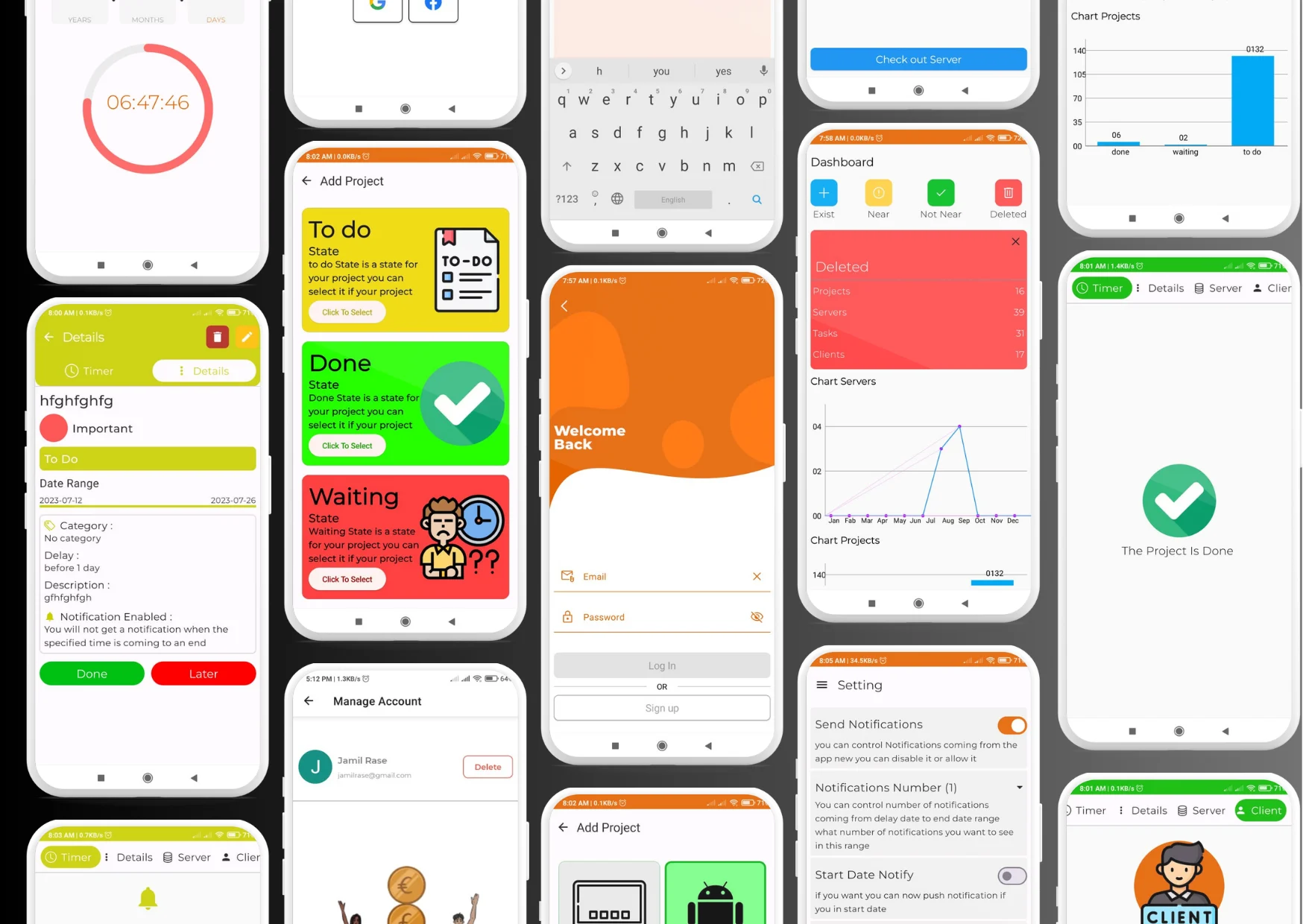
    this is a simple Android application build by Kotlin and #jetpack compose the app help you to manage your time Features Add Task With Time Delete Task Search Tasks Show Tasks and more ...

  • 2

    Native Android Quiz Application

    Kotlin

    This is a simple source code for a basic quiz app created by Zakaria Hmidou using Jetpack Compose and Android Studio. The main programming language used is Kotlin. In this app, there are a total of 200 questions distributed across 10 levels. In each level, you must answer a minimum of 10 questions and can answer a maximum of 20 questions.

  • 3

    Native Android Anime App

    Kotlin

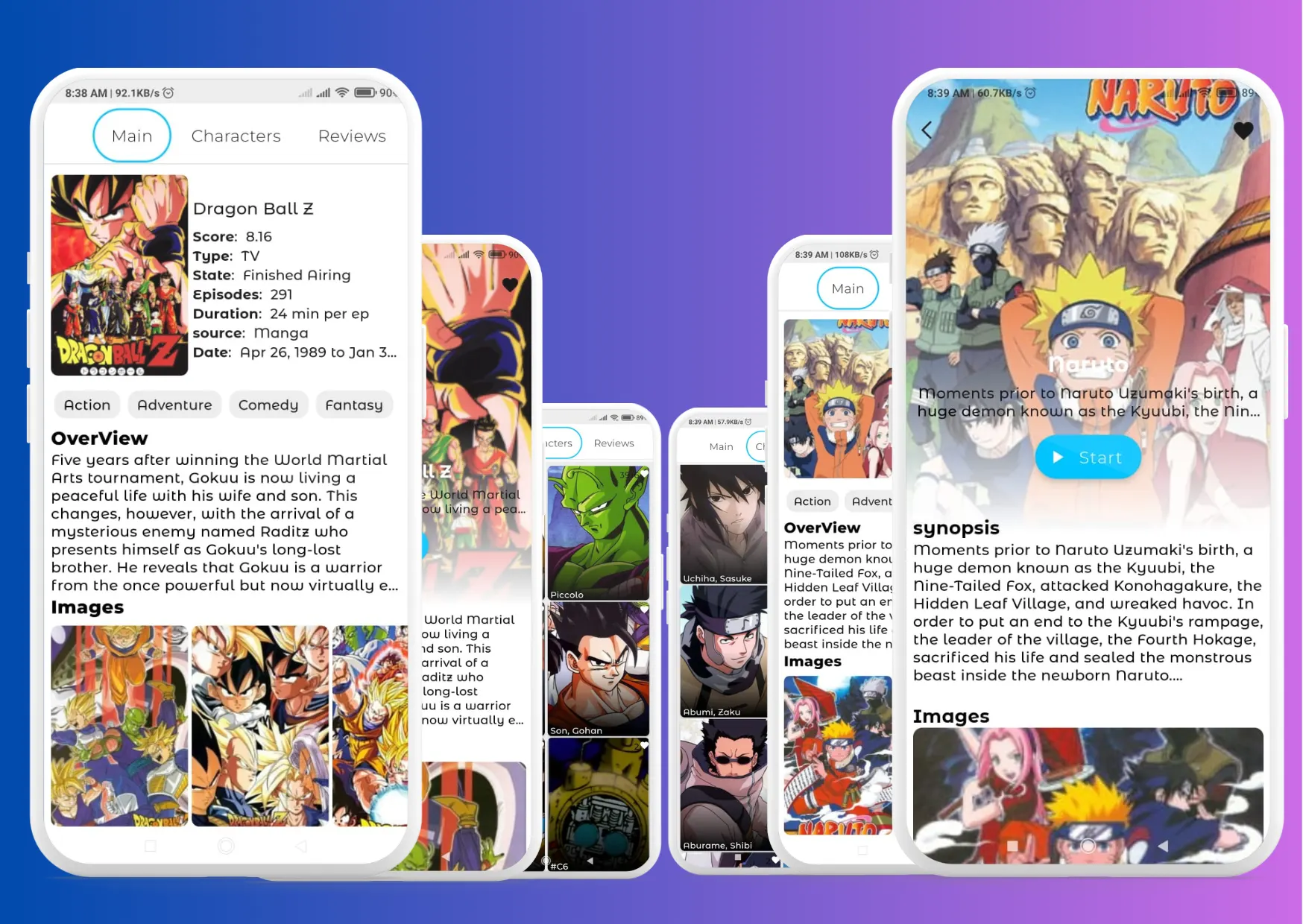
    This is a native Android app designed to showcase anime content. It was built using Android Studio and the Kotlin programming language. In the app's user interface (UI) layer, Jetpack Compose and XML are employed. In the data layer, Room is utilized for local database management, and Retrofit is used for remote database interactions.

Mobile App Developer Available For Hire

Not ready to commit? Talk to the app developer for hire first

Not sure which of these services your project actually needs? Book half an hour. I scope the idea, tell you honestly what it takes to build and what it should cost, and hand you a plan you can act on — with me or without me. No retainer and no sales script. If we go on to work together, the $20 comes off your first invoice.

A video consulting call with an app developer available for hire
Chat on WhatsApp Call me Send an email Fill the contact form